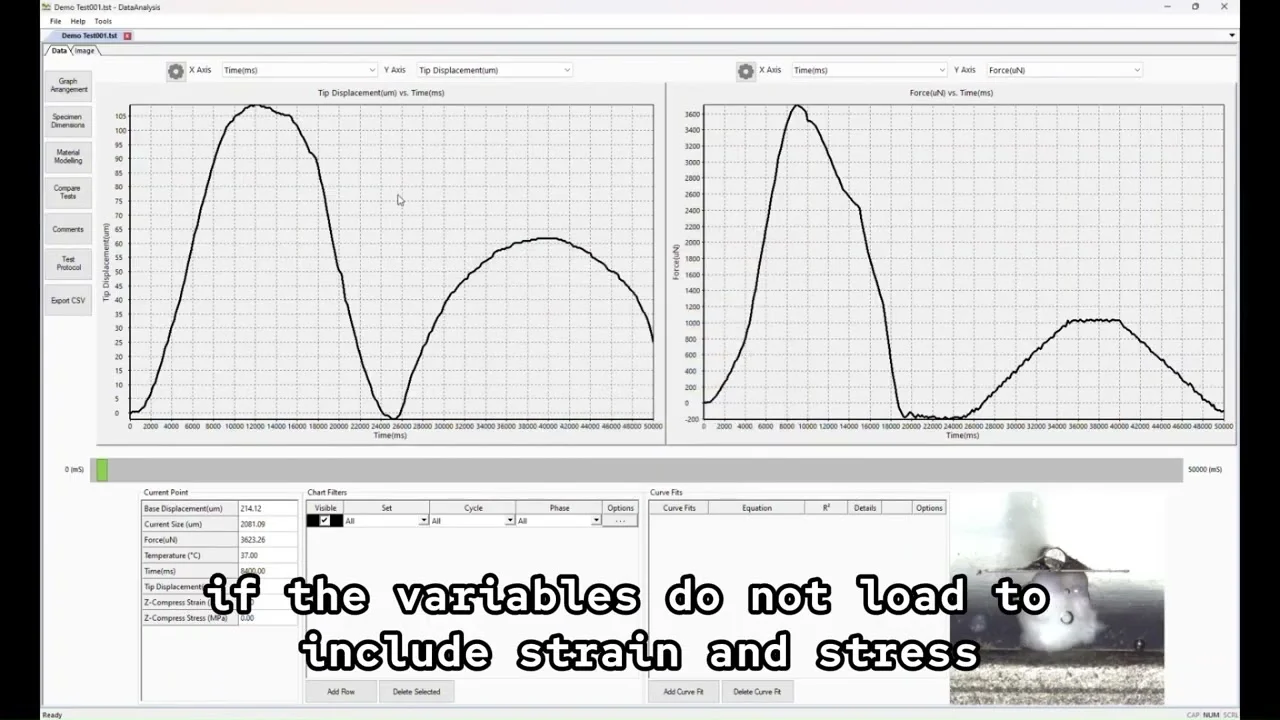
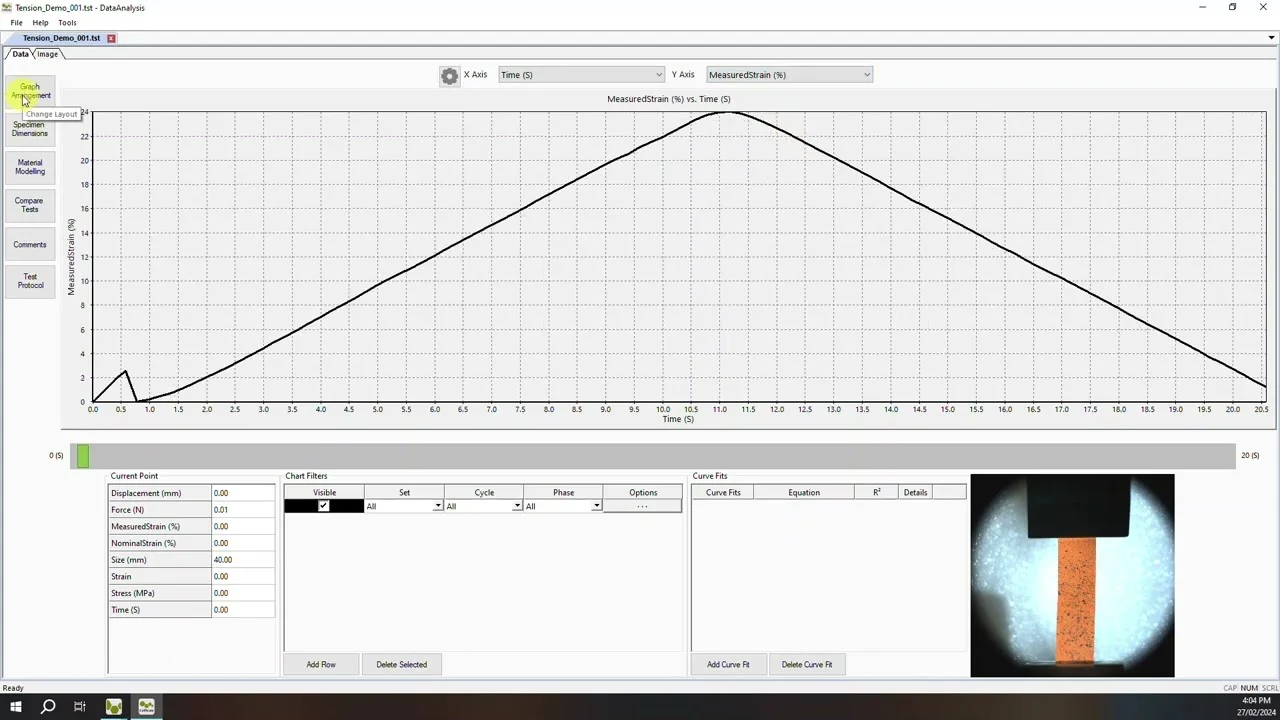
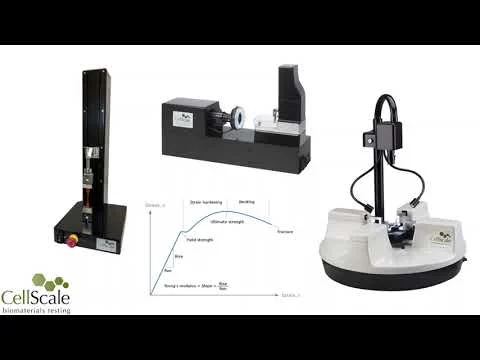
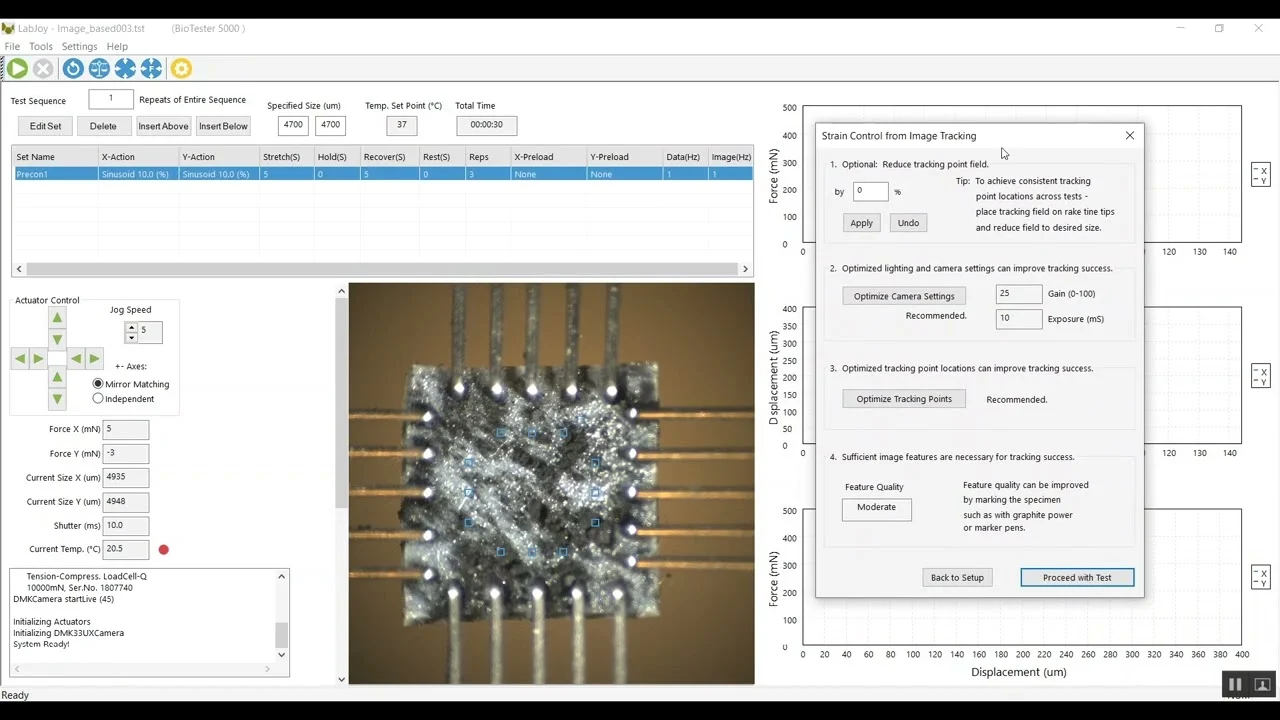
This video provides an overview of CellScale’s mechanical test data analysis and image-based strain measurement software. Using example data from uniaxial, micro-scale, and biaxial testing systems, the video demonstrates how raw force–displacement data are reviewed, processed, and converted into meaningful material properties such as stress–strain curves and Young’s modulus.
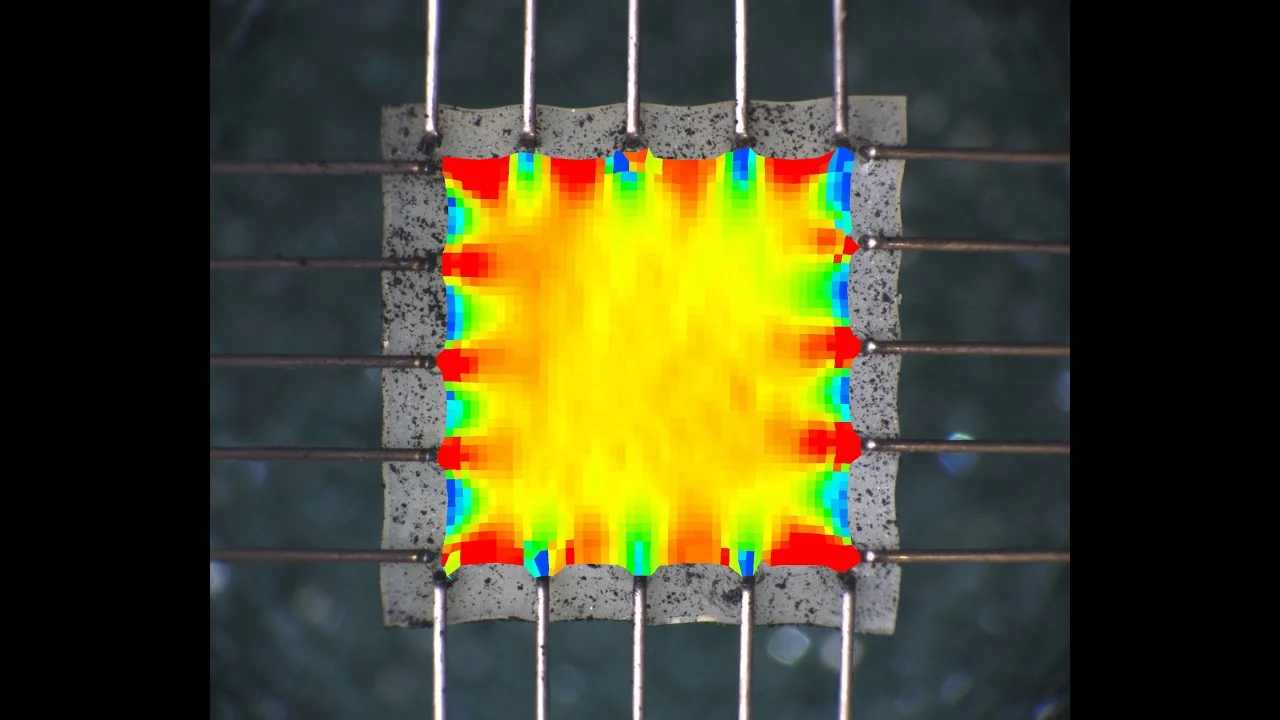
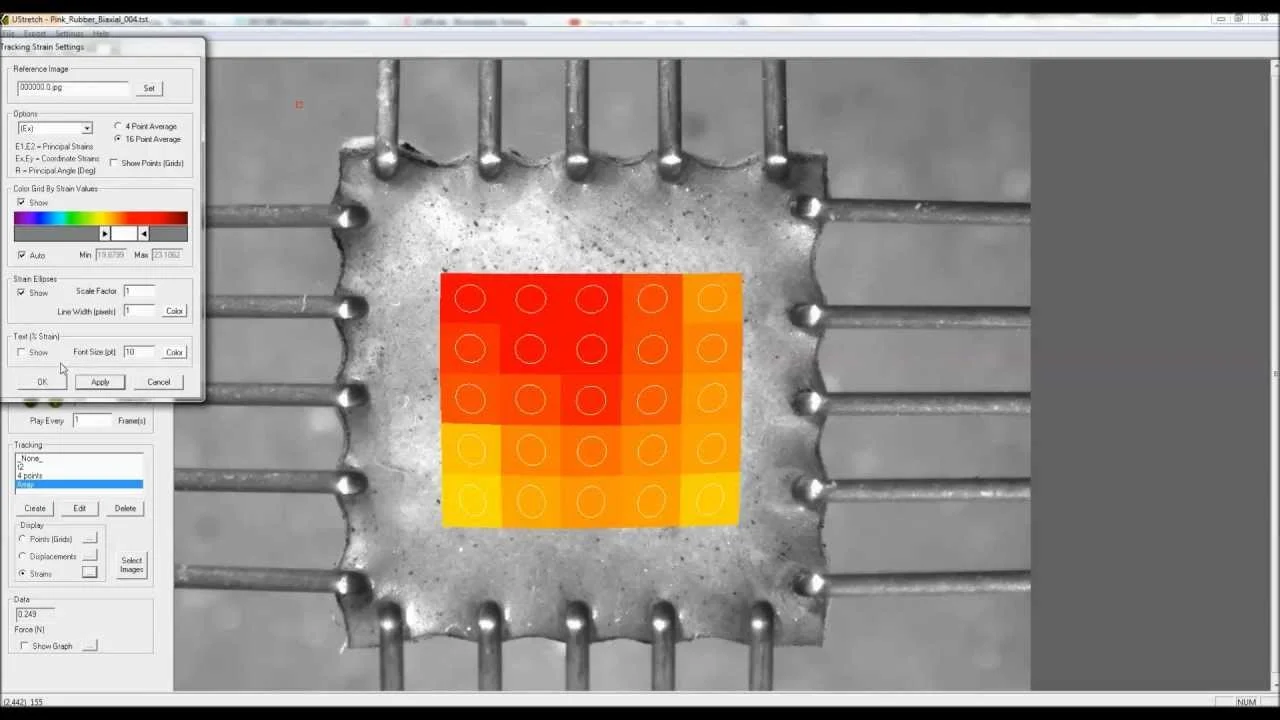
The software supports real-time and post-processed analysis, including curve fitting, cycle filtering, and calculation of key mechanical parameters such as maximum load, strain, ultimate strength, and elastic modulus. Image-based, non-contact strain measurement is also demonstrated, allowing users to visualize deformation and regional strain patterns during mechanical testing.
CellScale’s analysis tools are designed for soft materials, biomaterials, and biological tissues, and are used across a wide range of applications including uniaxial tension and compression, micro-mechanical testing, and biaxial testing of anisotropic materials.