Technical Product Support
for CellScale Instruments
Request Technical Support
When to Request Technical Support
- Mechanical testing system setup or operation
- Accessories, fixtures, or system compatibility
- Ordering new or replacement parts
- Software or firmware behaviour
- Data acquisition or test execution
- Calibration, service, or warranty coverage
Information to Include in a Support Request
- A brief description of the issue
- Instrument model and serial number
- Software and firmware version
- Recent changes to hardware, software, or test configuration
- Screenshots, error messages, or log files
Mechanical Testing Troubleshooting and Remote Support
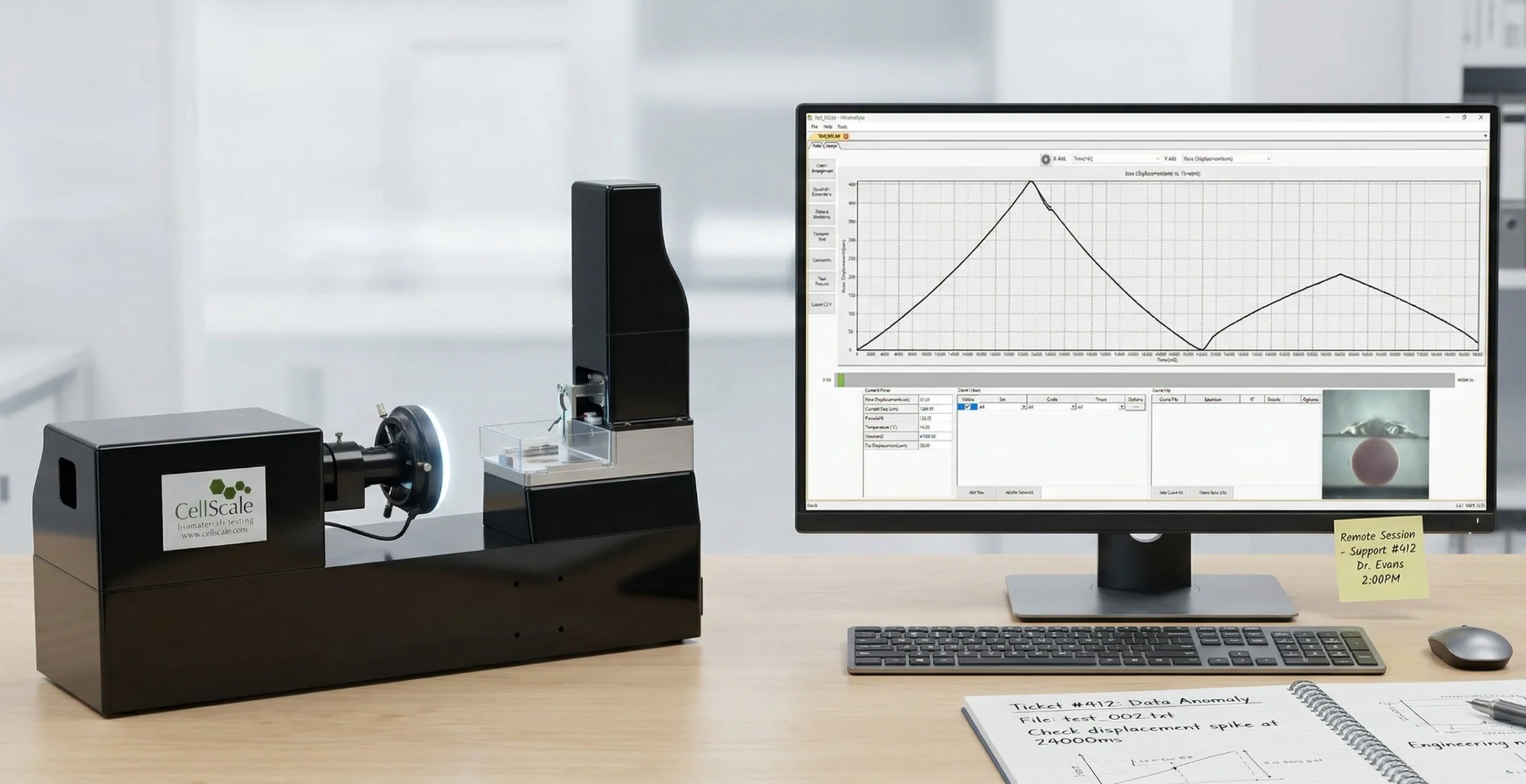
Most mechanical testing issues can be easily addressed through remote troubleshooting methods such as log review or screen sharing. Remote sessions may be scheduled when appropriate.
Service, Calibration, and Warranty Support
Service and warranty support are available for current systems and supported legacy instruments.
Service-related requests may involve:
- Mechanical testing troubleshooting
- Calibration and verification
- Preventative maintenance
- Component repair or replacement
- Warranty or extended service plans
Service and calibration needs are reviewed after a technical product support request is submitted.
Replacement Parts, Accessories, and Upgrades
If you’re looking for accessories, system upgrades, or replacement parts, please submit an instrument support request, including:
- Instrument model
- Serial number
- Description of the part or functionality desired
Accessory information is also available in our product catalogues (found on the respective product pages and on the Manuals & Downloads page).
Before Submitting a Support Request
Additional information may be available in the following resources:
Need Immediate Assistance?
Time-sensitive requests can be indicated in the support form.